
Why does Copy link address give me a Google URL?
On affected search results, the clickable address is a Google intermediary. MagsTags documents that copying the link can therefore copy the wrapper rather than the destination. This alone does not indicate a browser fault.
- For a result you trust and intend to visit, open the page and wait for navigation to finish.
- Copy the complete address from the address bar. Check that the hostname and page are the ones you expected.
- Use that address in your bookmark, document or spreadsheet. Retain query parameters if they select the page or resource you need.
To inspect the destination without visiting it, use the GoTo URL resolution guide. Editing characters out of an opaque CAES token does not produce a clean publisher URL.
Match the symptom to the next check
| Symptom | Next check |
|---|---|
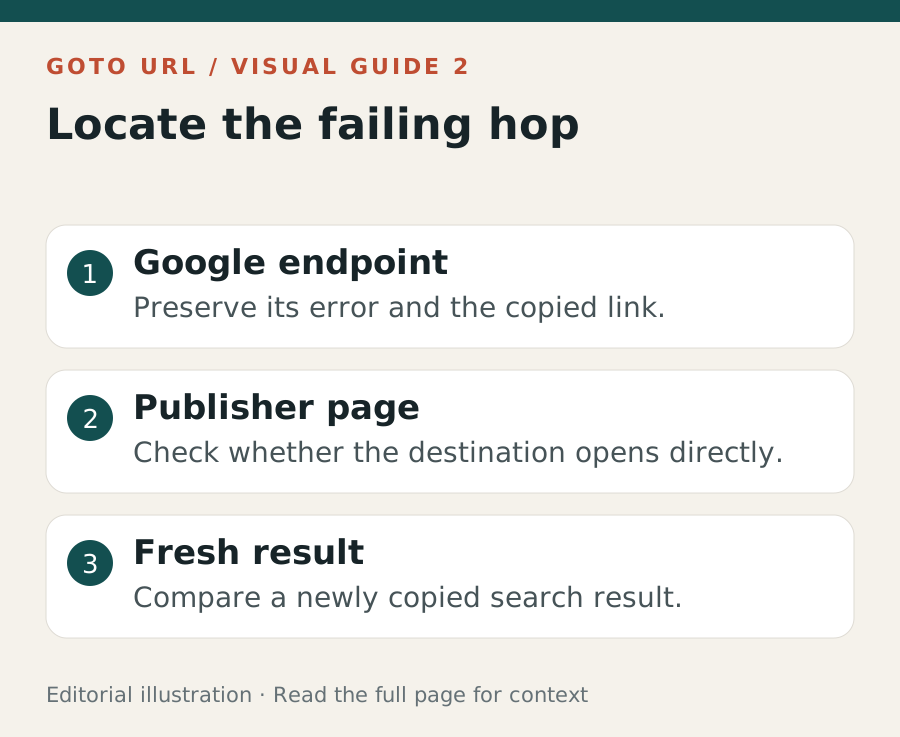
| Google link fails; the publisher opens directly | Repeat the search and try a freshly copied result. Record whether only the saved wrapper fails. |
| The publisher itself returns 404 | Check the publisher’s navigation for a moved or removed page. A working Google redirect cannot repair it. |
| HEAD returns 200 without Location | Try GET without following redirects. This difference appears in OpenWeb Ninja’s probes. |
| GET returns 400 | Compare the copied link with the original. OpenWeb Ninja observed 400 for altered or truncated tokens; that does not prove every 400 has that cause. |
| Browser Fetch reports status 0 | Inspect the response type. MDN documents opaqueredirect responses with hidden status and headers. |
| Repeated 429 responses or a verification page | Pause automated retries. Record the response and check the service’s access requirements. |
Compare one variable at a time
Try the same trusted result in a clean browser profile, then with relevant extensions disabled. Record the browser version, time and whether you were signed in. If the symptom changes, you have narrowed the conditions; you have not proved which component is responsible.
If both the copied wrapper and the known publisher address fail, investigate the network or destination separately. Avoid clearing every setting before preserving the error message and URL: that removes evidence that could distinguish a temporary link failure from a site problem.
Can an extension remove GoTo redirects?
MagsTags describes a resolver that restores destination links and exports results. Its tests also found that Google could rewrite an anchor during interaction, so a successful-looking link replacement did not establish that clicking or copying would use the replacement. Treat compatibility as version-dependent.
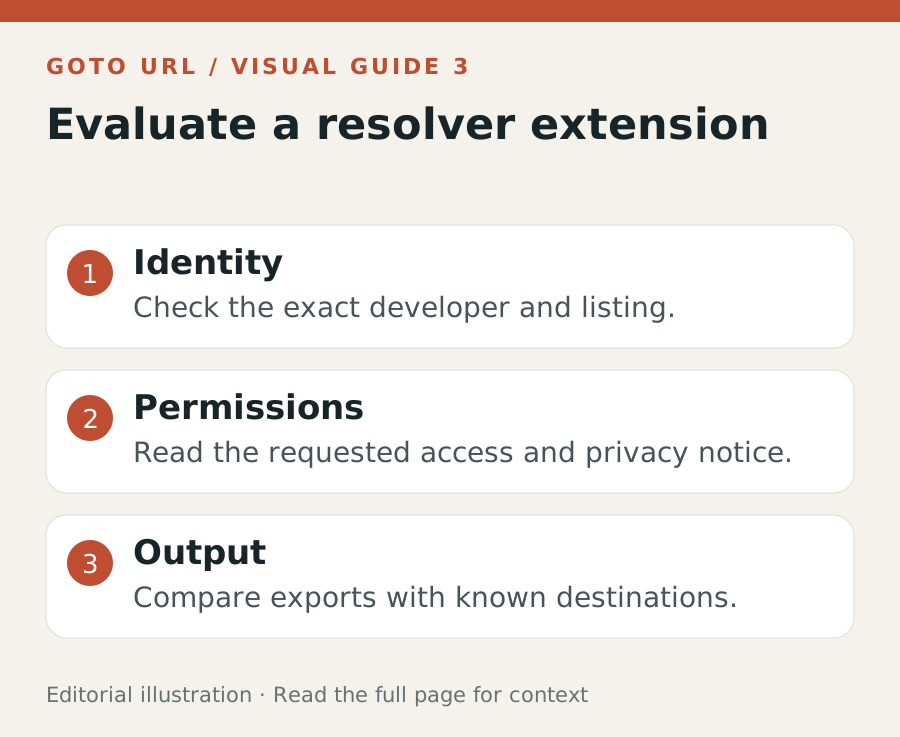
A separate Chrome Web Store listing named “Goto URL Resolver” advertises destination recovery and current-page CSV export. That is a developer claim, not our independent test or a recommendation based on its rating. Similar names do not establish that two extensions have the same developer.
Before installing, check the precise listing, requested permissions, developer and privacy notice. Test an export against several known destinations, including failed resolutions. A useful export should preserve the result title, observed order, destination and failure status rather than silently omitting errors.
Common questions about Google redirect links
Is GoToURL.co.uk operating Google’s redirects?
No. This publication explains search and marketing technology. Google’s google.com/goto endpoint is a separate service.
Can I disable /goto for every Google result?
The sources reviewed do not establish a universal Google setting that guarantees direct links. Workarounds and browser observations should be tested in the session you actually use.
Does a Google hostname prove the destination is safe?
The intermediary hostname identifies that hop, not the final publisher. Check the recovered destination before relying on it. A search appearance or a resolver’s success is not a security assessment of the page.
Does the redirect explain lost traffic?
A failed navigation could affect a visit, but the existence of /goto alone does not establish a site-wide traffic cause. Compare affected landing pages, dates and first-party clicks using the measurement checklist.
Sources and verification limits
Reviewed 18 October 2026. Google can vary link formats by session and result type. Dated tests and provider notices describe their own observations, rather than a permanent specification.
MagsTags: original browser and extension testing ↗OpenWeb Ninja: GET, HEAD and modified-token probes ↗Goto URL Resolver: developer listing and permissions ↗MDN: opaque redirect response restrictions ↗